Your everyday QR companion

Scan. Create.
Keep it handy.

QR Pocket makes everyday codes effortless. Scan QR codes and barcodes, read codes from saved images, or create your own in just a few taps.

  • Quick to use
  • Multiple code types
  • Local history
QR Pocket QR code creation screen QR Pocket fast QR scanner screen QR Pocket local history screen
Ready to scan
8+ code types

ScanCamera & gallery

CreateUseful code types

ActCopy, open or share

RememberOptional local history

Everything you need

One pocket-sized tool.
Four simple superpowers.

From the moment you spot a code to the moment you share your own, QR Pocket keeps every step clear and uncomplicated.

01

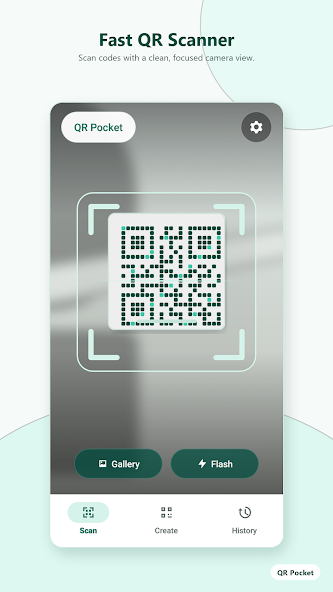
Fast QR scanner

Point your camera at a QR code or common barcode and get a focused, readable result.

  • Camera scanning
  • Gallery import
  • Flash control
Fast QR Scanner in QR Pocket
02

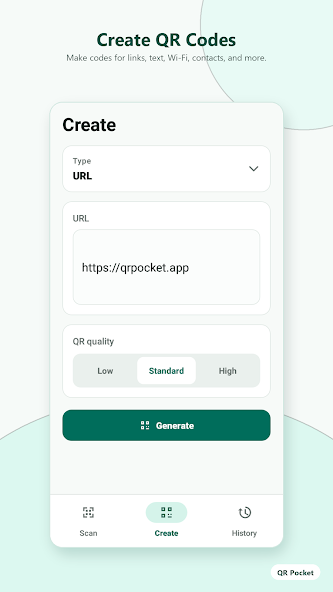
Create QR codes

Turn text, links, Wi-Fi details, contacts and more into a ready-to-use QR code.

Create QR Codes screen in QR Pocket
03

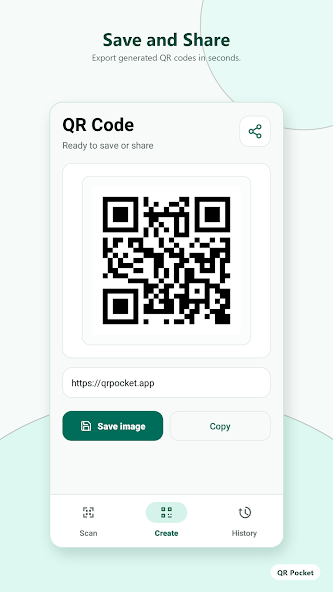
Save and share

Export a generated code as an image, copy its content, or share it with the apps you use.

Save and Share screen in QR Pocket
04

Local history, when you want it

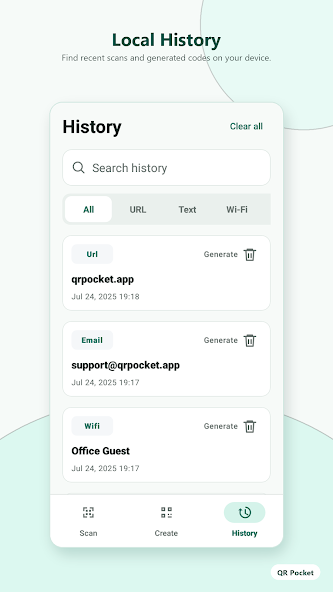
Enable history to keep useful scans and generated codes on your device, then search or filter them when needed.

  • Search past items
  • Filter by content type
  • Clear history controls
Local History screen in QR Pocket

A smoother workflow

From code to action
in three easy steps.

  1. 01

    Scan

    Use your camera or choose a saved image to read a QR code.

  2. 02

    View

    See the result in a clear view, ready for the next action.

  3. 03

    Act

    Copy the content, open a link, or keep it in your local history.

Make a code for

TextURLWi-FiContact EmailPhoneSMSand more

Designed to stay simple

A clear interface.
No learning curve.

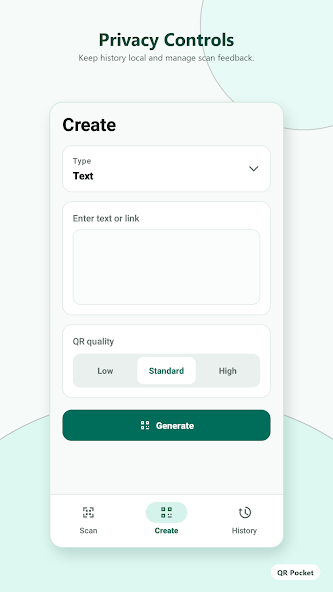
QR Pocket privacy controls promotional screen
On-device history

Your pocket, your choice

Useful history,
kept close.

When history is enabled, QR Pocket saves useful scan and creation records locally on your device. Search, revisit or clear them whenever you choose.

01

Optional history

Turn a convenient record of past items into part of your workflow.

02

Simple controls

Find what you need, manage feedback and clear saved records.

Ready when you are

Put every useful code
right in your pocket.

GET IT ONGoogle Play